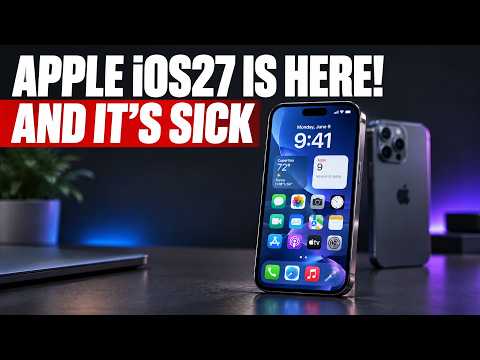
Siri now pulls data across your entire Apple ecosystem to answer questions like where you were last Monday by scanning mail, photos, and transactions.
Context Behind the iOS 27 Tesla Features
Apple dropped iOS 27 with a massive overhaul that directly impacts how Tesla owners interact with their cars. The iOS 27 Siri update stands out because it feels genuinely useful instead of gimmicky. You can ask complex questions and get answers drawn from your full device history without opening multiple apps.
The update also brings a refined status bar and improved Spotlight search that syncs faster with CarPlay. Tesla drivers who rely on their iPhone for navigation and media will notice the smoother handoff between phone and vehicle screen.
What It Means for Tesla Owners
One of the most practical iOS 27 Tesla features shows up at the Supercharger. The new foldable iPhone Tesla setup lets you prop the device on the steering wheel while charging. It is not recommended while driving, but it turns the cabin into a comfortable viewing station during long stops.
I am already planning to pick up the iPhone Duo on release day because the engineering is impressive. It delivers a 50 percent larger display than the iPhone 18 Pro Max yet weighs only six grams more. That kind of refinement pairs perfectly with the iPhone Ultra fold release date leaks we have been tracking.
Apple iOS 27 privacy concerns are real. The deeper Siri integration means your phone knows more about your daily movements. Some owners will love the convenience while others may disable the feature entirely.
The new handoff between two phones with separate SIMs also opens possibilities for Tesla road trippers who carry a backup device. You can move your primary number to the foldable iPhone Tesla when you get home or to the car without hassle.
Bottom Line
iOS 27 Tesla features make the car and phone relationship tighter than ever. The iOS 27 Siri update delivers the biggest daily improvement, while the iPhone Duo Tesla supercharger trick adds a fun charging ritual. Just keep Apple iOS 27 privacy settings in mind before enabling everything.
Watch the full breakdown here: https://youtube.com/watch?v=LIMjap5vA_4
Some links are affiliate links that support the channel at no cost to you.