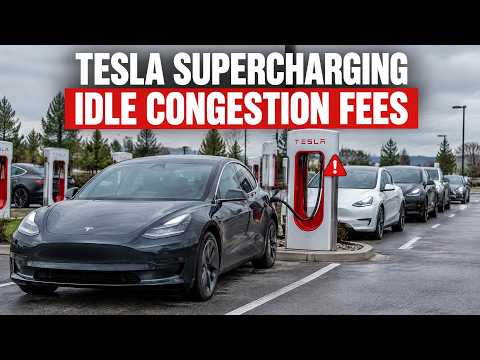
Tesla supercharger congestion fees can hit $1 per minute when stalls are full, turning a quick top-up into an expensive mistake if you forget to move your car.
Why These Fees Exist
Tesla designed the system to keep high congestion supercharger sites moving. When utilization hits 50% or higher, the clock starts on idle time once your vehicle reaches the charge limit. At 100% full, it jumps to a full dollar per minute. Even free supercharging accounts aren't exempt.
Step-by-Step: How to Avoid Supercharger Fees
- Open the Tesla app before you arrive and check real-time stall availability at your target location.
- Set your charge limit to 80% or lower if the app flags it as a high congestion supercharger — this prevents the vehicle from automatically extending your session.
- Monitor the app notifications while charging instead of walking away for long periods.
- Move your car immediately once it hits your target percentage, even if you're only at 50% full where the fee starts at 50 cents per minute.
- If you need more range, plan an alternate stop at a less busy site rather than extending time at a crowded one.
Pro Tips for Tesla Supercharging Fees Explained
Change your default charge limit in the app when heading to busy corridors. I often bump mine to 100% only at low-traffic stations. Another trick is routing through the in-car navigation so it suggests stations with current low utilization. If you're frequently hitting these spots, consider home charging solutions like a hardwired setup to reduce reliance on public stalls entirely — check this guide on why hardwiring prevents issues.
Keep your interior clean during these stops too. 3W all-weather floor mats — 35% off with code DENNIS35 make a big difference when you're in and out of the car often.
Bottom Line
Staying on top of tesla supercharger congestion fees and tesla idle fees is simple once you watch the app and adjust limits proactively. These habits keep costs at zero while still getting the charge you need.